Everything shown on this page was rendered directly by Heimdall3D from the original files.
A folder of models shows the models
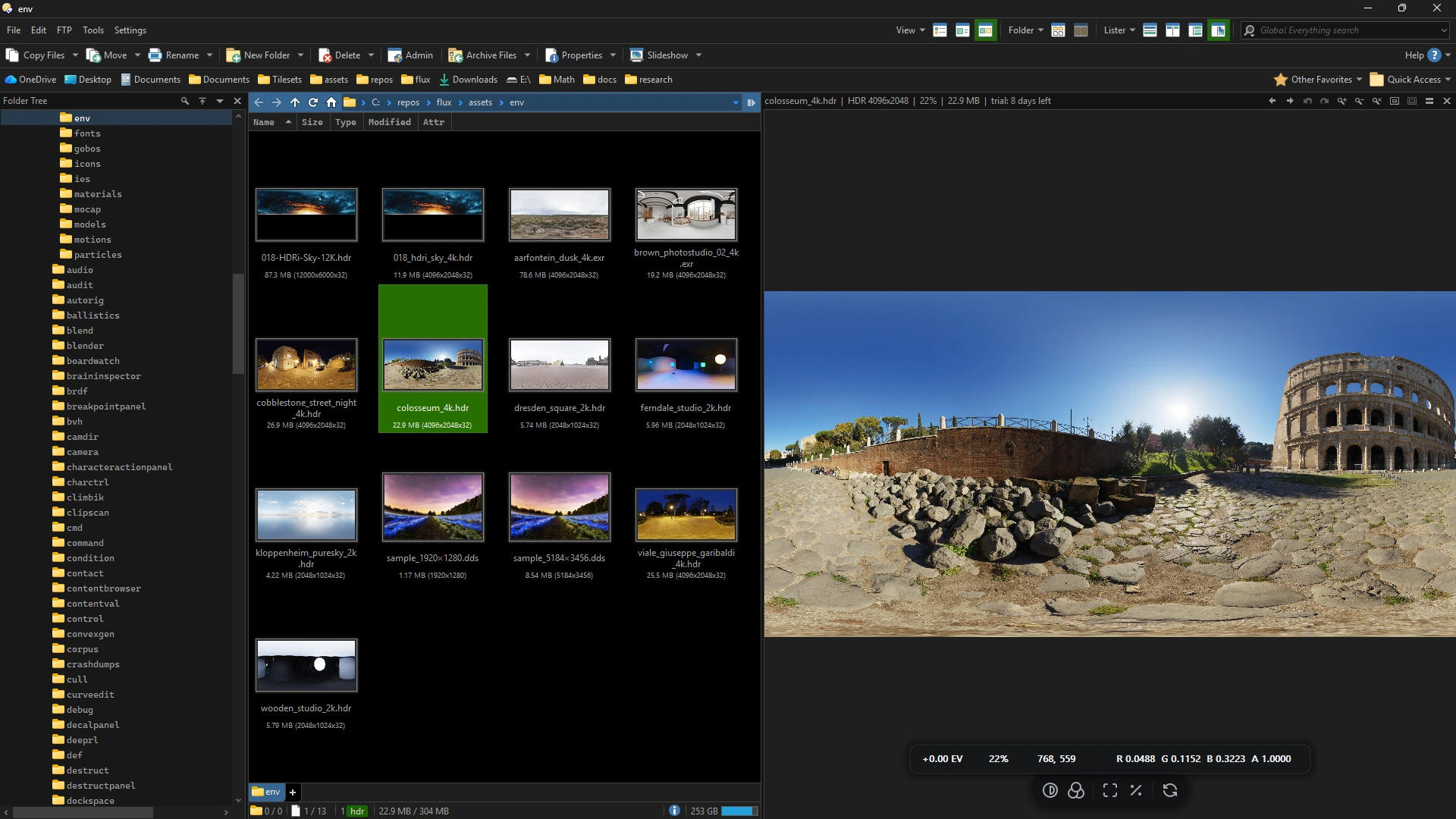
Every 3D file and HDR image in a folder draws its own thumbnail, rendered from the file on disk. A selected model opens in the preview pane, where it can be orbited and its animation played. HDR images retain their full floating point range and include exposure controls and live pixel values.
Version 1.0.11 is available for Windows 10 and 11.
The free version includes thumbnails, the preview pane, the viewer window, and every supported format. It requires no account or licence key, has no watermarks, and does not expire.
If you want to save or export your work, you can buy the full version. It adds four export features: saving an image, copying a frame to the clipboard, rendering a sprite sheet, and recording a turntable or animation clip.
Heimdall3D is developed by one person, and licence sales fund the work.
If a file does not render correctly, or you would like another format or feature, please tell me. Your requests help decide what gets added next.
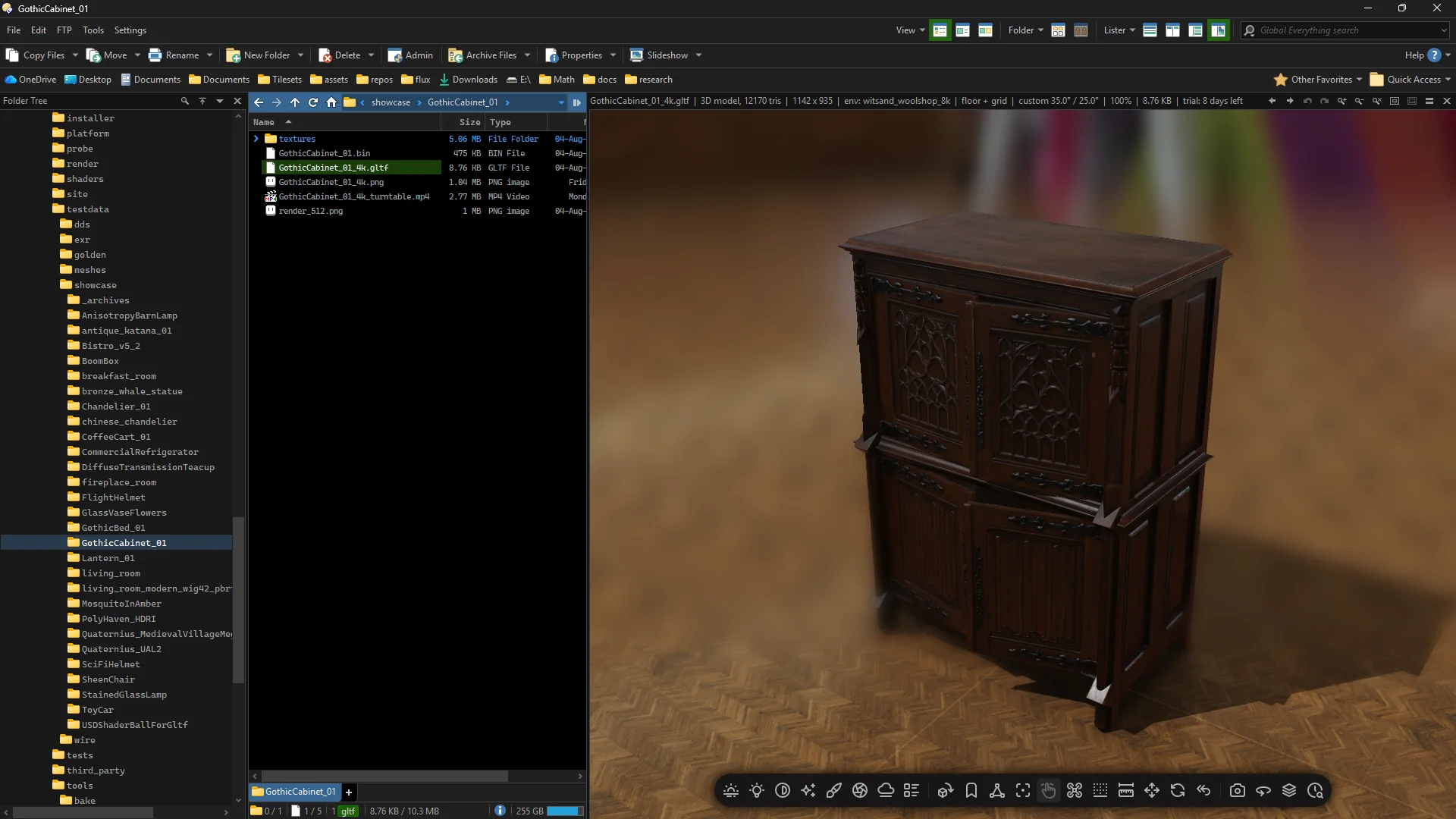
Not a wrapper
Heimdall3D is a native 3D renderer for Windows Explorer and Directory Opus. It renders your models itself. Nothing is handed to another engine.
The whole pipeline runs through Vulkan: materials, textures, skinning, shadows, environment lighting, and tone mapping. All of it runs on the GPU already in your machine.
Heimdall3D supports 20 extensions:
We wrote the decoders for 13 of them ourselves: OBJ, PLY, STL, 3DS, 3MF, COLLADA, BVH,
Radiance in both .hdr and .pic, PFM, TIFF in both spellings, and DDS
down to BC7.
The other 7 are read by four pinned libraries. glTF, GLB and VRM come in through cgltf, FBX through ufbx, EXR through OpenEXR, and KTX2 and Basis through Basis Universal. Draco and meshoptimizer decompress the meshes a glTF can carry, and stb_image reads the PNG, JPEG and TGA textures inside a model.
Everything ships in one binary, with no runtime dependencies.
Directory Opus can also ask Windows to preview certain 3D formats through Microsoft's Mixed Reality Viewer. That component is no longer preinstalled on Windows 11, and animation that once worked stopped after a Windows update. Anything relying on it inherits those limitations.
Heimdall3D does not use Mixed Reality Viewer. Its ability to open and render your files does not depend on whether Microsoft installs, removes or changes that component.
Motion capture plays in Directory Opus
An FBX or BVH clip plays on a rigged mannequin at the frame rate it was authored for. Node animation is supported too.
A motion capture file often contains a skeleton and animation but no visible mesh. Heimdall3D retargets the clip onto the mannequin, so the motion can be seen and inspected.
The animation continues playing while you change the display. Cartoon shading, outlines and depth of field all work in real time. These effects are only applied in the viewer and never alter the original file.
Depth of field can keep the animated figure in focus as it moves past the camera.
Models, HDR images and animation in one viewer
Heimdall3D gives Directory Opus its own renderer for 3D models, HDR images and motion capture.
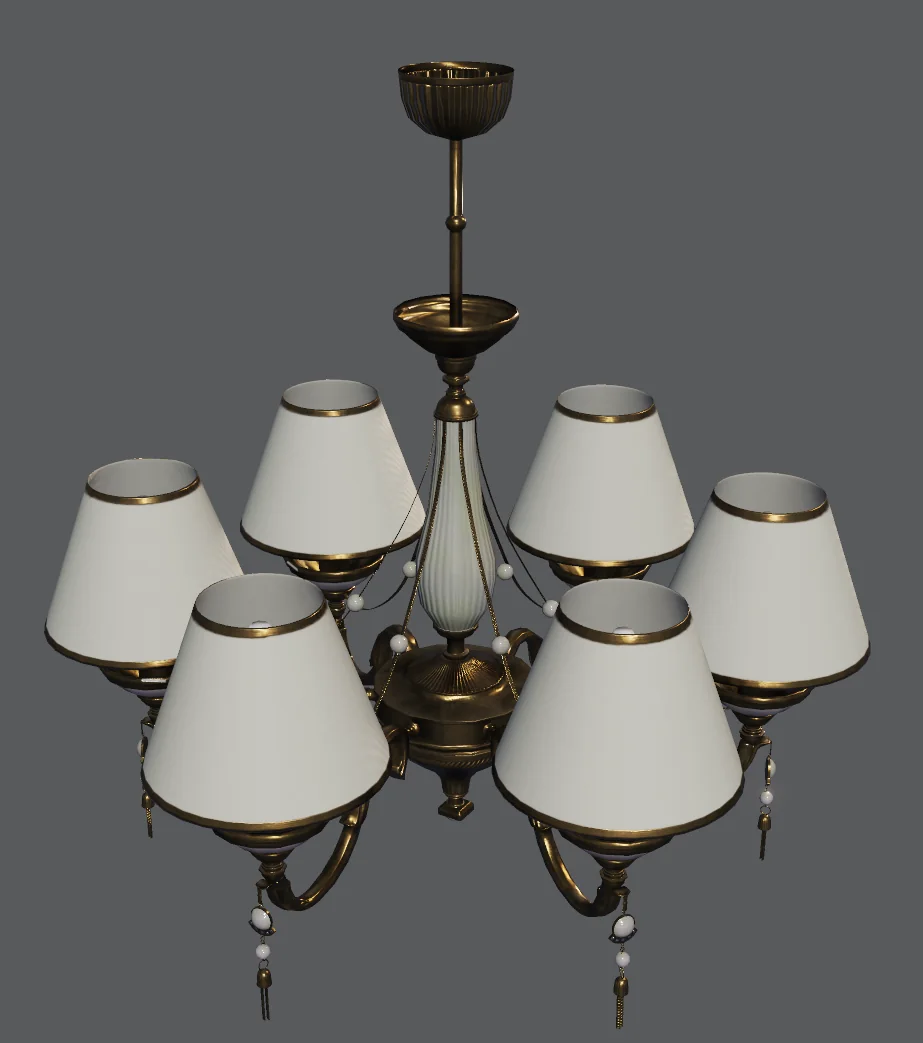
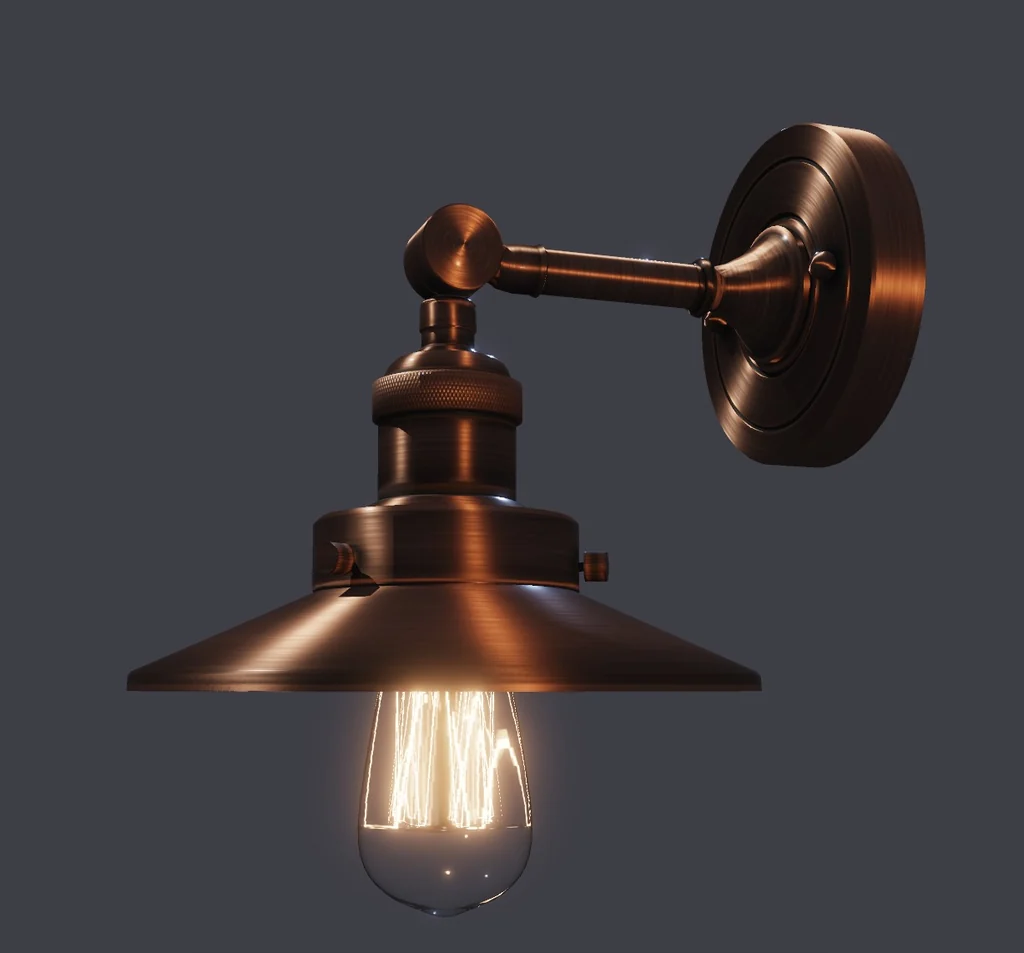
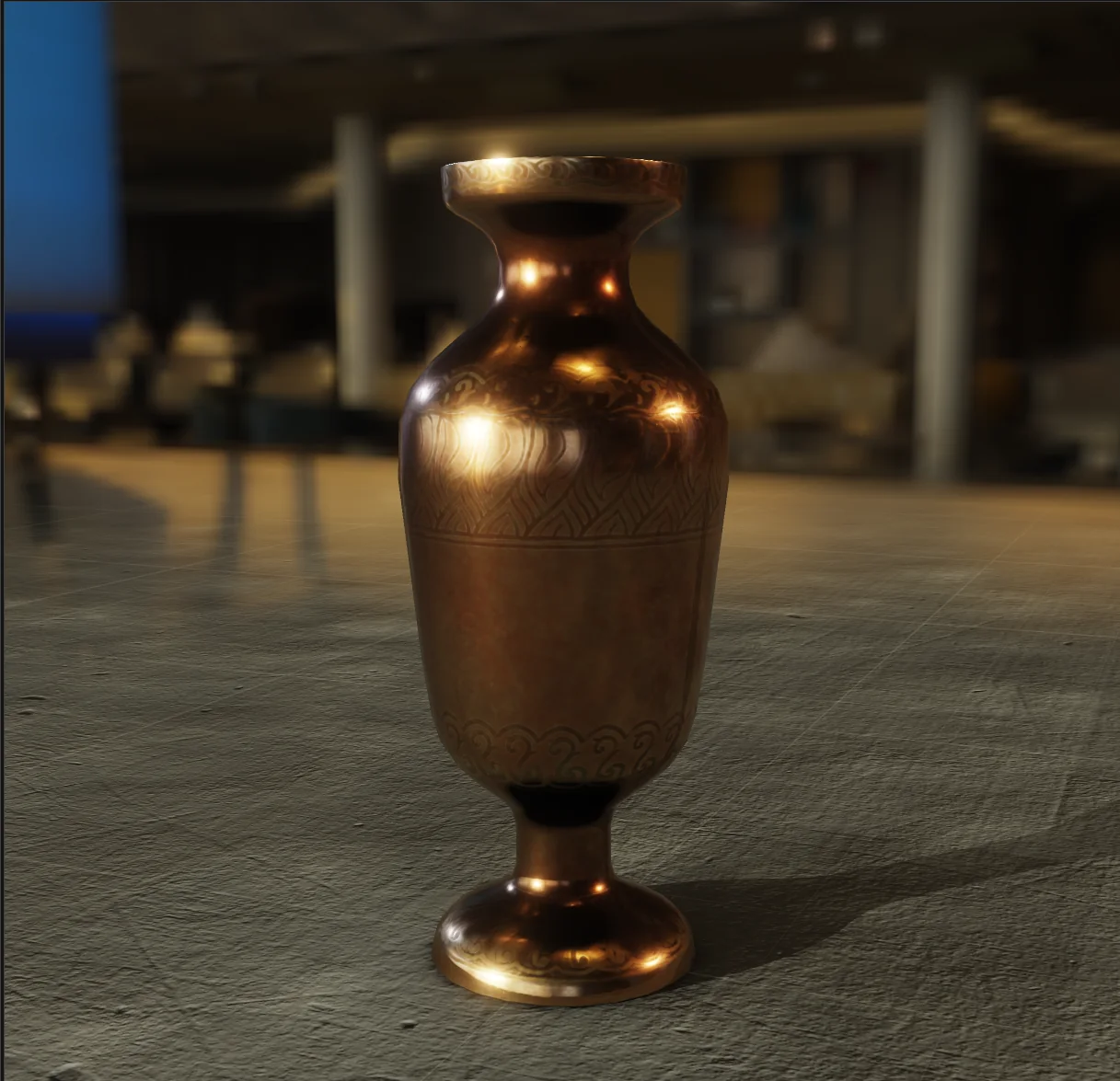
Models can be lit using an HDR environment map, so reflective materials take on the colours around them. Metals reflect the environment, glass filters the light passing through it, and anisotropic materials stretch highlights along their surface direction.
Lighting built around the model
The lighting starts from an HDR environment map, which gives the model its light, colour and reflections. Changing the map changes the metal and the glass with it.
Up to three point lights can be added. Each has its own colour or Kelvin temperature, and its size sets how soft its shadows are.
Heimdall3D also supports:
- Gobos that project shapes through a light
- Volumetric light that makes beams visible in the air
- One bounce indirect lighting
- Colour reflected from nearby surfaces
- Light filtered through coloured glass
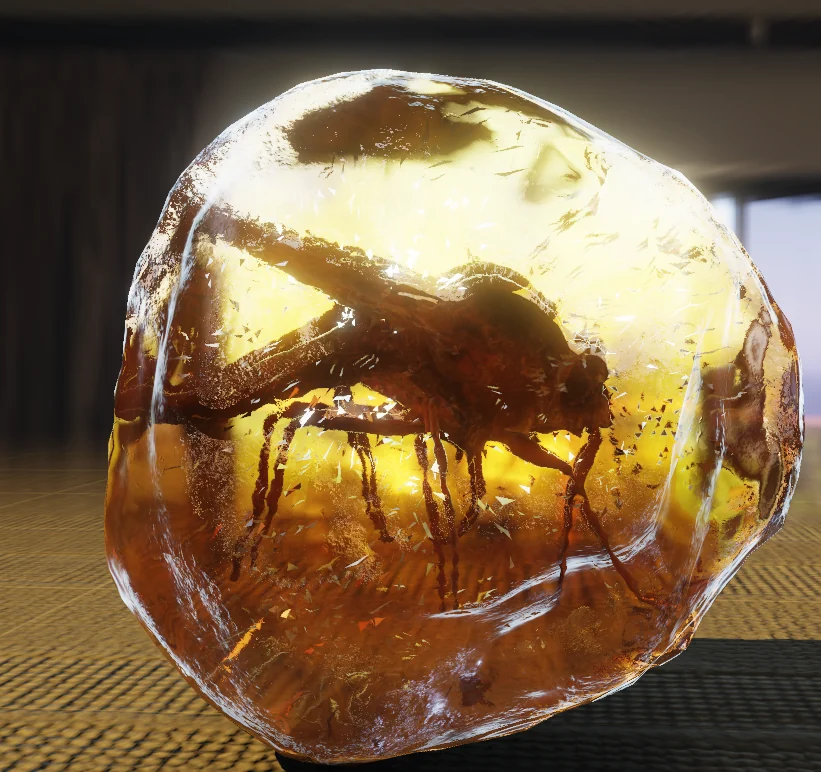
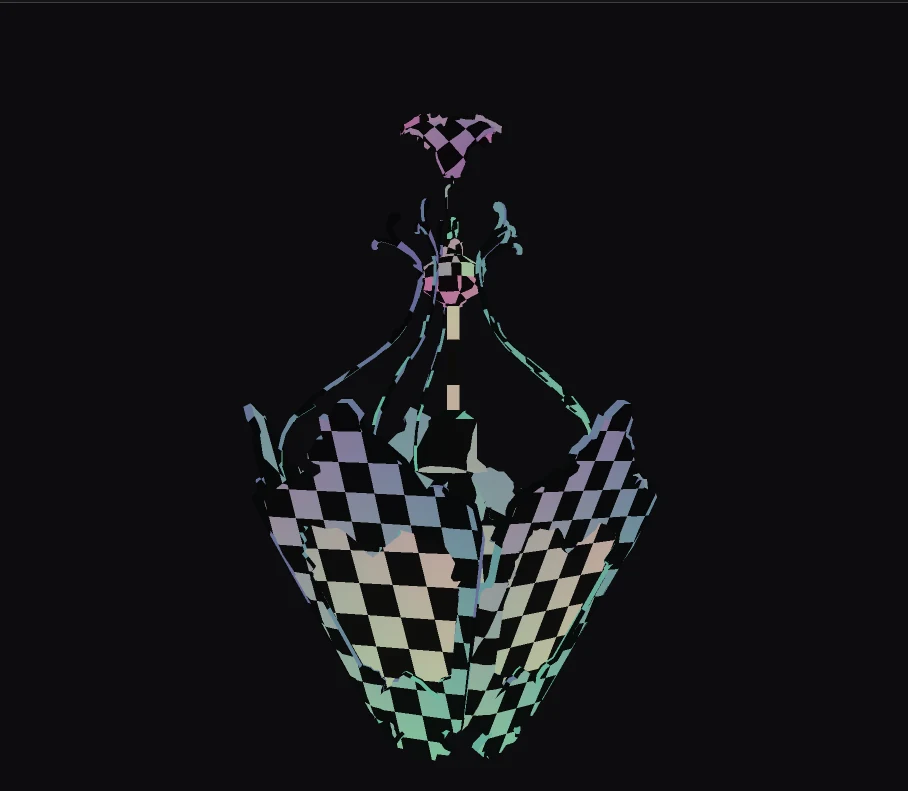
The display can also be taken off the lighting entirely. A UV checker swaps every material for a single checker, so a file can be checked for distorted or overlapping UVs without opening anything else.
Thumbnails rendered from the file
Models appear from a useful camera angle. Motion capture files show the mannequin in a representative pose. HDR images show their contents.
On the test system, a model with 350,000 triangles takes about 1.2 seconds to render. The result is then cached, so it does not need to be rendered again every time you open the folder.
HDR, EXR and DDS files show their pixel dimensions in the file list, and the preview pane reports the exposure in EV and the RGBA value beneath the pointer.
Supported formats
Heimdall3D currently supports twenty file extensions. Thirteen of them are read by decoders written here, and the other seven by one of four libraries pinned at a version and compiled into the binary.
A model format is only listed as supported when Heimdall3D can also load its related materials, textures, skeletons or animation where the format provides them.
Models and motion capture
| Format | Extensions | What Heimdall3D loads |
|---|---|---|
| glTF | .gltf .glb |
Geometry, materials, textures and animation, including WebP and Basis textures and meshes compressed with Draco or meshopt |
| FBX | .fbx |
Geometry, skeletons and animation |
| VRM | .vrm |
Avatars, as the glTF they are: geometry, materials, textures and animation |
| OBJ | .obj |
Geometry and its .mtl materials |
| PLY | .ply |
Geometry, texture coordinates and the texture the file names. ASCII and binary, either byte order |
| COLLADA | .dae |
Geometry, materials, textures and the scene graph. A rigged file opens in bind pose; its animation is not read yet |
| 3DS | .3ds |
Geometry, materials and bump maps |
| 3MF | .3mf |
Geometry, colours, materials, textures and the printing units |
| STL | .stl |
Geometry |
| BVH | .bvh |
Skeleton and animation, played on the mannequin |
A glTF that stores its textures as WebP declares EXT_texture_webp, and those
files used to be refused. They now load through a WebP decoder written for Heimdall3D, covering
both the lossy and the lossless encodings. An animated WebP shows its first frame.
HDR images and textures
| Format | Extensions | What Heimdall3D loads |
|---|---|---|
| Radiance | .hdr .pic |
Floating point images opened at full range |
| OpenEXR | .exr |
Floating point images, including single channel files |
| PFM | .pfm |
Floating point images |
| DDS | .dds |
Block compressed and uncompressed texture formats used in game pipelines |
| KTX2 | .ktx2 .basis |
Basis Universal supercompressed textures, transcoded as they load |
| TIFF | .tif .tiff |
8, 16 and 32 bit images, both byte orders, strips and tiles |
Heimdall3D can also decode .png, .jpg, .webp and
.tga, but leaves them to Directory Opus because it already supports them well.
USD is not supported yet. Alembic is not planned, for the reason given below.
The decoders and the renderer ship inside Heimdall3D and change only when it does.
If a format you use is missing, tell me which one. Requests decide what gets added next.
What is being added
Heimdall3D is one person's work and it is not finished. What follows is what is being built, with the order it is being built in.
More formats
COLLADA is read for its geometry, materials, textures and scene graph. Its
library_animations and its skin controllers are not, so a rigged
.dae opens in bind pose. Reading those two is the next format work.
USD is the largest of them and is being scoped rather than promised: it is a scene description with its own composition rules, not a mesh container, and a partial reader would open files it then draws wrongly.
Alembic is not planned. A format is listed on this page only when it carries its textures and its animation, and Alembic does not carry them in the form that requires.
Rigging
A model's own skeleton already plays. glTF and FBX bring their bones, their bind pose and every animation clip, resampled onto a 30 Hz grid, and the skinned mesh deforms with them. The mannequin is the fallback for a file that carries a skeleton and no mesh.
Two limits remain. Morph targets are read but not applied, so a face rig animates its bones and not its shapes. A vertex weighted to more than four bones keeps its four strongest, with the remainder renormalised, which is visible on dense facial rigs and on nothing else.
Two larger things are intended and not started. Inverse kinematics, so a limb is posed by moving its end rather than by rotating each bone in the chain. And editing a clip where it is opened: trimming it, retiming it, fixing a foot that slides, and writing the result back to a file. That is a step past previewing motion capture and it is the direction this is going.
The renderer
Every change that touches shading is compared against a path-traced reference of the same scene, and the comparison decides whether it ships. The work is closing the distance between what the raster path draws and what the reference says the answer is. That is continuous, and it is why the renderer changes in releases that list no new format.
The forum
A forum for discussing the product and for reporting files that render wrongly. It will run on this site and be written here, like everything else, rather than being a service somebody else hosts.
It is not built, and it is deliberately not next. An empty forum reads as an abandoned product, so it opens once there are enough people using Heimdall3D to fill it. Until then the report form above reaches me directly, and the mailing list carries the release announcements.
Download Heimdall3D 1.0.11
Heimdall3D 1.0.11 is available for Windows 10 and 11.
The free version includes thumbnails, the preview pane, the viewer window, and every supported format. It requires no account or licence key, has no watermarks, and does not expire.
The full version adds four export features: saving an image, copying a frame to the clipboard, rendering a sprite sheet, and recording a turntable or animation clip.
These controls remain visible in the free version. If you use one, Heimdall3D explains that it requires a licence and provides a link to this page.
A licence is a one-time purchase and works in both Directory Opus and Windows Explorer.
Download the Installer, 124 MB Download the ZIP, 142 MB
Which download should I use?
Use the installer unless you want a manual installation.
The installer closes Directory Opus so the existing plugin is no longer in use, removes any previous version, and installs the new build.
The ZIP contains the same plugin but leaves installation, replacement and removal to you.
Verify the download
The installer and plugin are not code signed. Windows SmartScreen will therefore
show an unknown publisher warning when you run the downloaded .exe.
You can verify that your download matches the original build by checking its SHA-256 hash.
Heimdall3D-1.0.11-setup.exe · 124 MB
a70fccabcf5be8a3ba3a766c6a5097a9d59791dd1982d37804611acdd61c79e5
Heimdall3D-1.0.11.zip · 142 MB
4c4b0dcf0a76ff39e7f10451557fc1a35ef3c945c062797fc81de1e382e1b402
Run this command in PowerShell:
Get-FileHash <file> -Algorithm SHA256
The result must match the hash shown above. Do not run the file if it does not.
Report a file that renders incorrectly
Please send it to me. The file itself shows exactly where the renderer is wrong.
A screenshot and a short explanation of what you expected to see are usually enough.
If the file is covered by an NDA, you do not need to send it. Tell me the format, what it contains, and how Heimdall3D's result differs from the application where it displays correctly.
The file gpu-info.cmd is in the Directory Opus Viewers\Heimdall3D
folder. Double click it to see your graphics card and the features Heimdall3D can use on it.
Include the output if convenient, but it is not required.
Screenshots and model files may be too large for the form. You can attach them to an email instead: quark@heimdall3d.com.
Built for NVIDIA, AMD and Intel
Heimdall3D uses Vulkan and works with NVIDIA, AMD and Intel graphics hardware. The renderer is not written around features from a single manufacturer.
Vulkan 1.2 is enough for GPU rendering. Ray tracing is used when the graphics card supports it.
If no usable Vulkan device is available, Heimdall3D falls back to CPU rendering. This is slower and supports fewer effects, but you still get a thumbnail instead of an empty icon.
A rendering crash cannot take Directory Opus down
Heimdall3D runs its renderer in a separate process. Vulkan and the graphics driver never run inside Directory Opus itself.
If the renderer crashes, Directory Opus keeps running and Heimdall3D falls back to a CPU generated thumbnail.
If the graphics driver repeatedly resets, Heimdall3D disables GPU rendering for the rest of the Directory Opus session. You can continue working without restarting Opus.
Thank you, Directory Opus
I have used Directory Opus since the Amiga days. It was special then, and it remains the program I keep open throughout the day.
Thank you to GP Software for continuing to develop and maintain it.
Heimdall3D is an independent plugin. It is not affiliated with, approved by, or endorsed by GP Software. Directory Opus is their product; Heimdall3D is mine.
Please report Heimdall3D problems through the form above or by email rather than contacting Directory Opus support.
Credits
Every picture on this page is a render of somebody else's model. Three of them are licensed under Creative Commons Attribution, where the credit is a condition of use.
- “Stained Glass Lamp” © 2021 Wayfair (Eric Chadwick), CC BY 4.0.
- “Anisotropy Barn Lamp” © 2023 Wayfair, LLC (Eric Chadwick), CC BY 4.0.
- “Mosquito In Amber” © 2018 Loic Norgeot / Sketchfab, real-time refraction © 2019 Sketchfab, CC BY 4.0.
The rest are CC0 and require no credit. They are named because the people who made them did the work: the brass goblets and the bronze whale by Tina, the gothic cabinet and both chandeliers by Kirill Sannikov, and the brass vase by Rico Cilliers, all from Poly Haven. The sci-fi helmet and the teacup come from the Khronos glTF Sample Assets.
The light in every render is a Poly Haven HDRI, and the floors are from Poly Haven and ambientCG. The mannequin that plays a motion capture clip is Quaternius's Universal Animation Library 2. The toolbar glyphs are Tabler Icons, MIT.
Full credits, with the source and the licence for each.
The mailing list
One message goes out when a new build is released.
There are no newsletters, promotions or unrelated messages, and your address is not shared with anyone else.
Every message includes an unsubscribe link. Open it, press one button, and you are removed from the list.
Questions
Can Directory Opus preview EXR files?
Yes. With Heimdall3D, EXR files get real thumbnails and open directly in the Directory Opus preview pane. They are decoded in floating point and displayed with exposure control in EV stops, tone-mapping options, channel isolation, and live RGBA values beneath the pointer. Single-channel EXR files are supported too. Without Heimdall3D, Directory Opus has no built-in OpenEXR support and normally shows these files as generic icons.
Can I preview 3D models in Directory Opus?
Yes. Heimdall3D adds rendered thumbnails and interactive previews for glTF, GLB, VRM, FBX, OBJ, PLY, COLLADA, 3DS, 3MF, STL and BVH files. Select a model to inspect it in the preview pane. You can orbit the camera, change the lighting, switch environment maps, and adjust how the model is rendered. Heimdall3D uses its own renderer, so it does not depend on Microsoft's Mixed Reality Viewer.
Can Heimdall3D play motion capture files?
Yes. A model that carries its own skeleton plays with it: glTF and FBX bring their bones, their bind pose and every animation clip, and the skinned mesh deforms as it was authored. A file that has a skeleton and animation but no mesh, which is what most BVH and many FBX clips are, is retargeted onto a rigged mannequin instead, so there is something to watch. Their thumbnails show a pose rather than a generic icon, which makes clips far easier to pick out of a folder. Cartoon shading, outlines and depth of field stay active while the animation plays.
Can Heimdall3D create thumbnails for 3D models?
Yes. Every supported model and motion capture file gets a rendered thumbnail in the Directory Opus file list. The thumbnail is cached after it has been generated. On the test system, a model containing 350,000 triangles takes about 1.2 seconds to render for the first time.
Can it display HDR images and game textures?
Yes. Heimdall3D supports OpenEXR, Radiance HDR, PIC, PFM, DDS, KTX2, Basis and TIFF files. HDR images retain their floating-point range and can be viewed with exposure and tone-mapping controls. DDS support includes the block-compressed texture formats commonly produced by game-asset pipelines, and KTX2 and Basis textures are transcoded as they load.
What language was Heimdall3D written in?
Two languages, split along the process boundary. The Directory Opus plugin is C++, covering the Opus integration, the file decoders, the preview pane and its widget toolkit. The renderer is a separate program, heimdall3d_render.exe, written in Odin, which drives Vulkan directly. The shaders are GLSL. Odin was chosen for the renderer because that code is mostly arrays of plain data being pushed at a GPU, which is what the language is built for. It also let the renderer start without the habits the C++ side had accumulated. A rendering crash cannot take Directory Opus down. The two processes talk over a wire protocol, and the plugin outlives the helper.
What does Heimdall3D offer beyond a codec pack?
Heimdall3D gives you an interactive viewer inside Directory Opus, not just a static thumbnail. You can inspect 3D models, play animation, adjust HDR exposure, isolate image channels, read floating-point pixel values, change environment maps, and control the lighting. A codec pack normally gives Windows one fixed, already tone-mapped bitmap. Heimdall3D controls the preview pane itself, so the file remains interactive.