Changelog
What changed in each release, newest first. Each entry says what changed and where it stops.
Download 1.0.11
Windows 10 and 11, in Windows Explorer and inside Directory Opus 13. Looking at your files needs no licence key and does not expire.
1.0.11
The Explorer preview pane can export, with fixes in the viewer window, the saved setups and the installer.
Added
- The Explorer preview pane can export. Windows runs that pane with reduced rights, and it could not write a file or start a browser. A helper with normal rights now does both on the pane's behalf: the pane hands it finished bytes to write, or the purchase page to open, and nothing else crosses between them. Saving an image, copying a frame, saving a sprite sheet and recording a turntable all work there, and Buy a licence opens the browser from that pane.
Changed
- Exports save to
Documents\Heimdall3D. The folder is created the first time it is needed, and the Configure card names it, marks it as the default and takes another choice. A save that fails names the folder it tried. - The recording menu names the format it will write. It read PNG sequence whatever the format setting was. Recording a clip gets a menu entry of its own; it used to be reachable only from a toolbar button.
- The licence key mail covers both hosts. It gave the steps for entering the key in Directory Opus only. It now gives the Windows Explorer steps as well.
Fixed
- Dragging a window edge no longer flashes white. Windows announces a resize continuously through the drag, and each announcement started a fresh render, so a heavy model never finished one. The render now waits 150 ms for the size to settle, and the frame already drawn is scaled to fit meanwhile.
- A setup removed in the Explorer preview pane stays removed. Records are kept in more than one place so every window can save, and that pane could write only one of them. The removal reported success, and the surviving copy brought the setup back. It now goes through the helper, reaches every copy, and says so when one could not be reached.
- Installing an update cannot hang. The helper stays running for the whole session, and the installer used to wait for it with a question box that a silent install never shows. The helper can now be asked to stop, and the installer asks before it replaces a file.
1.0.8
Buying opens, and fixes in the pane, the licence card and the installers.
Added
- Buying is open. The buy page opens the checkout, and after payment the site shows how to enter the key in Directory Opus and in Windows Explorer.
Changed
- The recording's 256-sample setting is gone. It cost eight times the render time of the 32-sample default for no visible difference in playback; a saved 256 choice now records at the default, and the log says so.
- A sprite sheet renders at its own 64-sample budget. It used to borrow the recording card's samples setting, which the sprite card never showed.
- The installer and the Store package can share a machine. This was measured with both installed, in each install order. Previews and thumbnails keep working, the Store package's registration is the one in effect while both are present, and removing it hands back to the installer's.
Fixed
- An animated figure no longer darkens the floor where it started. The sky's soft shadow was computed for the model at rest and stayed there through the clip. It now follows the pose.
- The licence card closes and fits. Escape closes it wherever it appears, including over an image. On a pane too short for the whole card, other rows are dropped before the key field, so a key can always be entered.
- A deleted named setup stays deleted. Records are kept in more than one place so every window can save, and a removal reached only the first of them. The surviving copy brought the setup back on the next load. Removal now reaches every copy, for named setups, camera bookmarks and recent files.
1.0.7
A licence key can be entered in Windows Explorer as well as in Directory Opus.
Added
- The licence card takes a key in both hosts. It carries a key field with Paste and Apply. Once a key is installed, the card states the address it was issued to, the edition, the key id and the date, with Remove licence beside them. Only the key id is ever shown again. The key itself never returns to the screen.
Fixed
- A key entered in the Explorer preview pane is stored, and honoured everywhere. Windows gives that pane fewer rights than a normal window, and it could not save the key. It saves now, and every window reads it. Removing a licence removes it for the whole user. A machine-wide key installed by an administrator still applies.
- The viewer window no longer goes blank after a licence is applied. It refreshes in place now. The Directory Opus pane rebuilds itself, as it always has.
1.0.6
A fault inside a preview no longer takes the preview host down.
Fixed
- A crash inside one preview stays inside that preview. An error while reading or drawing a file used to end the whole preview host, and the pane and the thumbnails went with it. The fault is now caught, the pane repaints its own background, and the host carries on.
- A crash writes a short text record. The record names the fault, the call stack, the file being previewed and how far the preview had got, and the newest five are kept. Nothing is ever sent anywhere. A full memory dump is written only when you set
HEIMDALL_CRASH_DUMP=1. A crash before a file is opened names no file.
1.0.5
Crashes in the Explorer hosts leave a record, and the pane draws.
Fixed
- A crash in the Explorer hosts now names itself. Before the host dies it writes a record of where the fault happened to the log folder, so a report can say more than that the preview disappeared.
- Running out of memory no longer kills the preview. The feature that could not get memory is given up for that one file. The rest of the preview carries on.
- The Explorer preview pane draws. Explorer hands the pane a window of zero size and gives it a real size a moment later. The pane was built at that first size and stayed empty. It now waits for a usable size.
- A pane that cannot be built says so and tries again. Failure used to end the preview for that file. The handler now retries for ten seconds and writes each attempt to the log. After ten seconds it shows the measurement card, which names the file and what could be read from it.
1.0.4
Five things a named setup was not saving.
Fixed
- A named setup saves the whole scene. Five controls were changed, applied and then not written: the cartoon rim colour, the cartoon flatten amount, the shading mode with all eleven of its cells, parallel projection, and the animation loop, play-in-place and show-rig switches. They come back now.
- A setup written by an older build still loads, and one written here loads in an older build. A key it does not know is carried through untouched.
1.0.3
Two things typing got wrong in 1.0.2.
Fixed
- Every letter you type appears once. Typing
WalkproducedWwaallkk, because each key was being handled twice. Once now. - The setups card no longer says a setup was saved before you save it. Typing a name put
Saved asunder the field while nothing had been written. It now says what the name will be, and speaks of a save only once one has happened.
1.0.2
The Explorer preview pane works. It did not in 1.0.1, and that is the whole of this release.
Fixed
- A file selected in Explorer shows its preview. Explorer asks for the pane before it has decided how big the pane will be, and the view was built at that first size of nothing. It is now built when a real size arrives. A release can no longer be built without a check that opens a real preview through Windows and sees pixels come back.
- Typing in the preview pane. The pane never claimed the keyboard, so no key ever reached it. Naming a setup there works now.
- The preview pane can save. Windows gives it fewer rights than a normal window, and a setup named there was lost without a word. It now saves to a place it is allowed to write, and every window reads it.
- An effect that cannot run says so. Volumetric light was being switched off whenever the view was moving, silently. The pane now names the effect being held back and the frame rate it needs.
- The log is readable again. One line per frame carried a paragraph naming the graphics card, which pushed everything else out within seconds.
1.0.1
Fixes for things that were wrong in 1.0.0.
Added
- The file type reads as the file's own. Explorer's Type column and its tooltip name the format, so a
.glbis a glTF Binary Model rather than carrying this program's name. Install once and the new names appear. Nothing takes over a type another application already owns. --helpanswers. The viewer prints what its switches do instead of trying to open a file called--help. An unrecognised switch says so.
Fixed
- Typing works. Every text field takes the characters your keyboard makes, including accented and non-English ones, which the old code could not produce at all. The caret can be placed and moved, text selected, and cut, copy and paste reach the field rather than the host.
- A field shows that it has focus, with a caret and a ring, so you can tell where typing will land.
- Progress appears while a file loads. It was drawn only when a decoder volunteered, and three decoders never did, so a
.ktx2and any model carrying KTX2 textures showed nothing at all. Restoring a saved pose also suppressed it. - The viewer window opens before the file is read. It used to decode the whole first file before showing anything: 101 ms to a window on a 360 MB model now, rather than the length of the decode.
- Buying a licence from the Explorer preview pane. That pane cannot start a browser at all, and Windows reported success anyway, so the button looked dead. The card prints the address to type instead.
- Save this setup works in the preview pane, which could never write its settings and said nothing about it.
- Bookmarks come back, and one saved in any window is visible in the others.
- Recently opened keeps its pictures. Two limits disagreed, so seven entries in eight lost their thumbnail. One picture is now held once however many places show it.
- Reduced detail no longer damages a model. The stated deviation was not a bound and every level exceeded it, which pushed two lens surfaces through each other and made a pair of sunglasses look chipped and wrongly shaded.
- A large compressed texture opens. A
.ktx2or.basisover 256 kB was refused outright, because a whole-file validator was asked to judge a header. - Thumbnails survive a graphics driver reset. A reset disabled them until you logged out. The renderer also gives its graphics device back when idle rather than holding 2.5 GB indefinitely.
- Reflections on the floor no longer read their shading from the wrong part of the frame.
1.0.0
The first release. Twenty file types, in Directory Opus and in Windows Explorer.
The number changes because the product does. Every licence is issued for the 1.x line, and looking at your files is free, with no expiry. This is the version that matches both.
Eight new formats arrive with it. Eleven file types become twenty, and a compressed glTF from a web exporter now opens.
Added
- Point-cloud and scan meshes open.
.plyreads ASCII and both binary byte orders, with per-face or per-vertex texture coordinates and the image acomment TextureFilenames. Verified against 621 real files. - Compressed glTF opens. A
.glbusingKHR_draco_mesh_compressionis decompressed as it loads, so it reads exactly as its uncompressed twin does. - glTF textures compressed with Basis open, through
KHR_texture_basisu..ktx2and.basisalso open on their own. - Printing formats.
.3mfcarries the colour, materials, texture coordinates and units that.stlhas none of, and its declared unit is converted to metres. - Older interchange formats.
.3dsreads materials, per-face material groups and bump maps..daereads geometry, materials, the scene graph and its declared up axis. A rigged.daeopens in bind pose; its animation is not read yet. - Avatars.
.vrmopens as the glTF it is, with the same maps and clips. - TIFF images. Both byte orders, 1 to 64 bits, strips and tiles, and the NONE, LZW, PackBits and Deflate codecs with both predictors.
- Uncompressed DDS opens, and so do the pre-2009 headers that carry it. A file identified only by its channel masks is recognised now.
- Chroma-subsampled EXR opens. A luminance-chroma file is reconstructed through its own chromaticities.
- Meshopt-compressed glTF opens. A file packed by
gltfpackreads under either spelling of the extension, and draws the same as its uncompressed twin. - A diamond authored for WebGI draws as a diamond. A glTF carrying
WEBGI_materials_diamondis read for its refractive index, dispersion, colour and absorption, so the stone refracts and splits light where every other glTF viewer shows white plastic. The extension's three companions, its lightmap, displacement map and material extras, are not read yet. - Glass and gemstones show their fire. A material carrying dispersion refracts across the spectrum rather than at one index, so a stone splits light into colour the way a real one does. A material without it is untouched.
- The floor moves up and down. A model that carries its own floor no longer fights ours for the same plane. The slider is fine near zero, where a millimetre settles the flicker, and coarse further out, where a quarter of a metre clears somebody's slab. Our floor moves; the model does not.
Changed
- The size limit comes from the graphics card. The driver is asked how much memory is free, and the answer is re-read for every model. On a 12 GB card that is 10 GB of working room where a fixed number allowed 1.5 GB.
- A model too large to hold is drawn at lower detail rather than refused. A 9.6 million triangle ring opens on the graphics card; on a card too small for it, a coarser version renders rather than nothing.
- A signed DDS normal map draws correctly. Its negative half was being lost. The picker names the choice and offers the raw values as well.
- The size row says what unit it is in. glTF states metres, and FBX is converted to metres from whatever the file declared, so those two say so.
.obj,.stland.bvhdeclare nothing and still print bare numbers. - A file Windows has blocked can be unblocked from the pane. A model downloaded from the internet carries a mark that stops Explorer previewing it. The card says so and clears the mark. Nothing is unblocked without the click.
Fixed
- A graphics driver reset no longer turns 3D thumbnails off for good. The budget that stops a repeatedly failing helper now clears the moment a render comes back whole, so two driver resets days apart are survived. Two in a row, with nothing good between them, still stop it.
- The renderer gives its graphics device back when it has nothing to draw. After five idle minutes the helper is shut down and the memory it held is released; the next thumbnail starts a fresh one. It does not shorten the wait for that first thumbnail, which still pays for the device.
- Every line in the log is dated. Local time to the millisecond, so a log can be read beside the Windows event log. Lines written before this release carry no date and cannot be given one.
- Tooltips show the whole sentence. A tooltip too long for its box wraps onto further lines.
- The environment gallery scrolls. The wheel scrolls whichever grid the pointer is over, and the scrollbar can be dragged. Every grid in the product gets both; before this the wheel reached four of them and the bar was painted but could not be grabbed.
- Buy a licence says when it could not open the page. A browser that refused to start left the button looking dead. The card prints the address to type instead.
- The origin marker and the scale figure stop shattering behind glass. They were being refracted by the model in front of them, so a faceted stone showed nine origins, and the reference figure arrived as loose shards that looked like debris inside the file. They are also no longer reflected in a mirrored surface, which was the same fault seen from the other side.
- A material with no normal map is shaded by its own geometry again. The built-in flat normal was very slightly not flat, so a surface with no normal map was tilted by a third of a degree, and which way depended on whether the file carried tangents. Worst on gloss: a polished surface moved by 59 of 255.
- Brushed metal points the right way. The same fault in the default anisotropy direction turned the grain a fifth of a degree off the tangent on any material that sets anisotropy without supplying a direction map.
- Closing the window mid-load no longer ends the process without a word.
0.26.0
The release that made it fast. A 12.8 million triangle model was refused outright before it. It now opens in about four seconds and turns at 59 frames a second.
Added
- Save the picture, or part of it. Save an adjusted HDR, or drag a marquee and save only that. A save always writes a new file and never touches the original.
- A file remembers how you set it up. Environment, lighting, floor, effects, camera and clip come back the way you left them, per file.
- Multi-channel EXR files open. A spectral render with sixteen wavelength bands draws through the CIE colour curves, with a picker to choose another mapping.
Changed
- Big models open in seconds rather than minutes. Tangents are generated only where a material reads them, and then across every core, as are FBX instances.
- Big models turn smoothly. Geometry carries levels of detail chosen so the error stays under one pixel, and the shadow cube skips what each face cannot see.
Fixed
- A model finds its textures in Windows Explorer. A
.gltfthat keeps its data in separate files beside it now opens in the preview pane as well as the thumbnail. - Tangents were wrong on some models, and the cause was upstream. MikkTSpace's fast neighbour search disagreed with its own reference. Corrected and verified.
- The environment gallery scrolls. The wheel worked; the repaint was undoing it, so only two maps of fourteen could ever be reached.
- A model no longer silently falls back to slow software rendering. That band of sizes is gone, and if software rendering is used the pane says why.
0.25.0
Nothing counts down and nothing expires. Looking at your files is free in every host, for as long as you like. A licence buys getting a picture back out.
Changed
- Nothing counts down. Thumbnails, the preview pane and the viewer window all work without a key, on every format, indefinitely.
- A licence covers four things: a saved still, a copy to the clipboard, a sprite sheet, and a recorded turntable. Everything else is free.
- A refusal now says what it needs. Nothing is greyed out: press a paid control and a card names the feature and offers the purchase page.
- The installer lets you choose. Windows Explorer integration and the Directory Opus plugin are separate components, and either one can be cleared.
Fixed
- A model finds the files beside it. A
.gltfthat keeps its geometry in a.bin, or its textures as separate images, now opens in Explorer. - Sprite sheets loop properly. Frames are sampled by time rather than by index, so the step at the wrap matches every other step.
- A walking character stays in its cell. Root motion is removed for sprites, so a clip that travels two metres no longer renders tiny and drifts across the sheet.
- A clip that does not loop keeps its last pose. Whether it loops is detected, and the sprite card says which reading it took.
- A malformed file is refused early. What a file declares is checked against what it actually holds before any memory or time is spent on it.
- An image opened by double-click fills the window. It was fitted to the window's size before the window had one.
0.24.0
The viewer now runs in Windows Explorer as well as in the Directory Opus pane it has always run in: thumbnails, a preview pane, and a full-size window on double-click. One installer covers both hosts.
Every release covers both from here. They are one codebase and one version.
Added
- Your 3D files get pictures in Explorer. A thumbnail handler draws the model instead of a blank page, for every format we already read.
- A preview pane you can turn. Select a model and orbit, zoom, change the environment and the floor, exactly as the Opus pane does. It is the same viewer.
- HDR images get the same pane. Exposure, tonemap, gamma and channel isolation on
.hdrand.exr, verified across the full range from +0.00 to +4.21 EV. - Double-click opens a real window. Maximised, closable, F11 for fullscreen and Escape to leave it. Presets, recent files and captures all save from here.
- One installer, and you choose what goes in. The Explorer integration and the Directory Opus plugin are separate components, either one clearable, and the Opus one is offered only when Opus is actually on the machine.
Changed
- Installing no longer damages another program's thumbnails. If we take over an extension, the previous handler is saved and restored when we are uninstalled.
Fixed
- Directory Opus: the pane no longer sends its notifications to a window on another thread. Each one was a blocking call into a host that could not read it.
Known limits
- A
.gltfwith separate.binor texture files will not open in the preview pane. Its thumbnail is drawn correctly. Windows hands preview handlers only the file's contents and never its location, so nothing stored beside it can be found there. Use.glb, or double-click it. - The pane cannot save. Windows runs it with reduced rights, so presets, bookmarks and capture history are read-only there. The window has no such limit.
- Double-click needs your say-so for some formats. Windows protects your default app choice.
.hdrand.exropen with us straight away;.gltf,.glb,.objand.fbxare held by 3D Viewer until you change it in Settings.
0.23.0
The second beta. All six ratified glTF material extensions now draw, on opaque surfaces and on glass.
Added
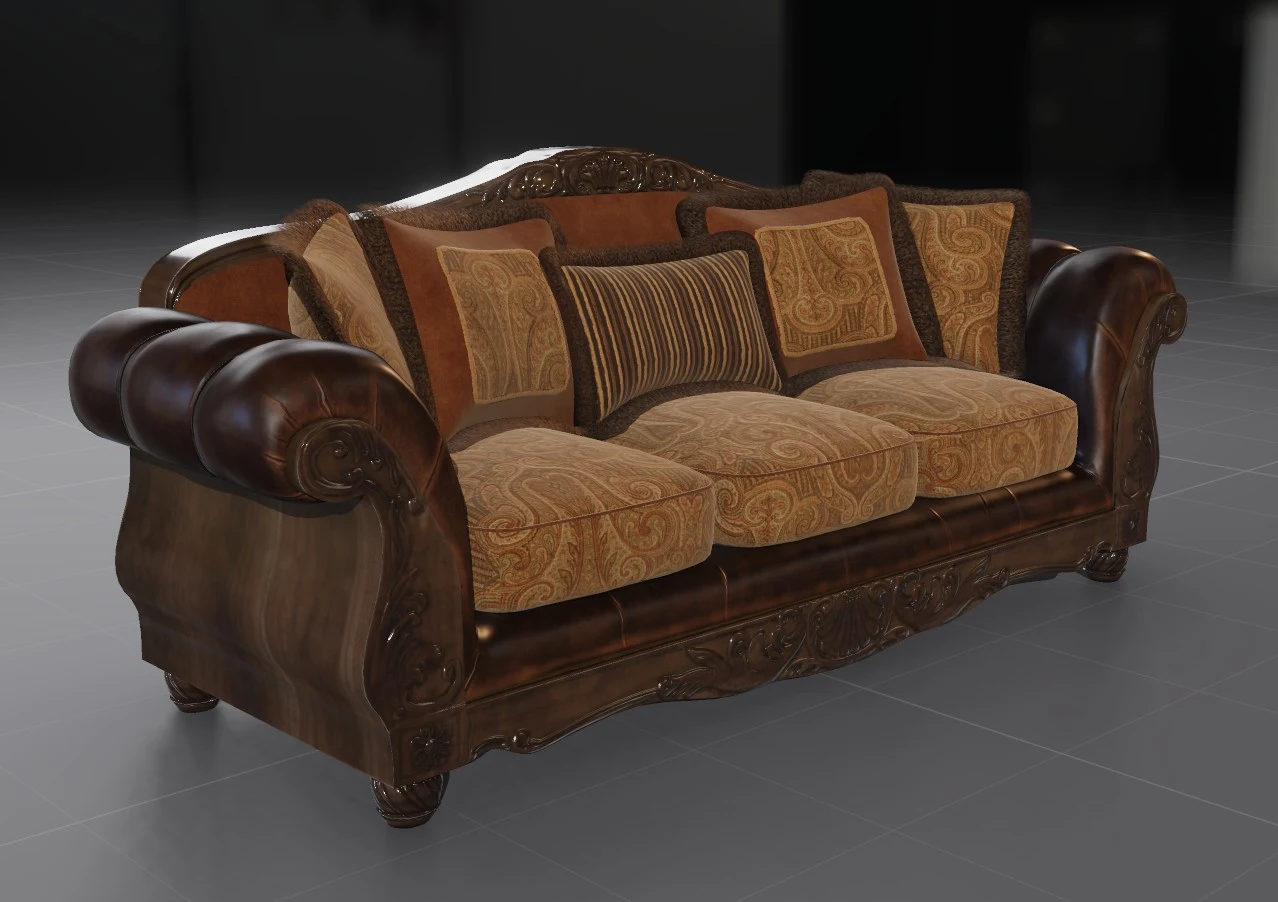
- Fabric renders as fabric.
KHR_materials_sheendraws its Charlie lobe, so velvet takes the pale rim along the silhouette that a woven surface has. - Brushed metal is brushed.
KHR_materials_anisotropystretches the highlight along the grain. The reflection is aimed correctly and carries no prefiltered shape. - Car paint gets its coat.
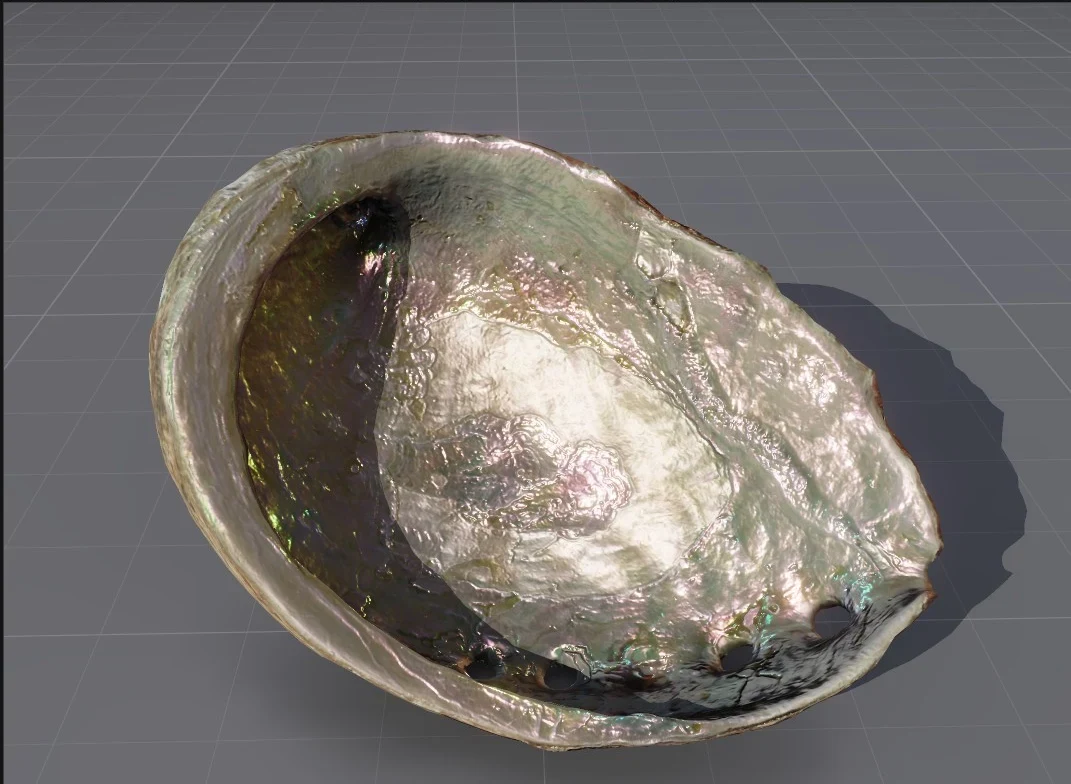
KHR_materials_clearcoatlayers a polished film over the base, with its own normal map, so it can sit smooth over a flaked surface. - Abalone and pearl paint shift with the angle.
KHR_materials_iridescencecompletes the six. It is integrated in RGB, so it approximates a spectral render. - Tinted and weighted reflections.
KHR_materials_specularsets the colour and strength of a non-metal's reflection. Shot silk goes orange where the light lands. - A model can carry several material sets.
KHR_materials_variantsnames each set and the pane grows a picker. Switching takes effect without reloading the file. - WebP textures in glTF. A file using
EXT_texture_webploads. The decoder is ours, and an animated WebP shows its first frame.
Changed
- A clearcoat reflects what stands beside it. A coated car body carries the wheel next to it. Costs 0.2 ms a frame, and what the screen cannot see comes from the environment.
- Sheen and anisotropy take the environment's own shape. The environment is prefiltered a second time with the Charlie lobe, so a fabric's rim carries the room and a brushed disc reflects a streak. The second chain costs 4.0 MiB of video memory and no measurable load time.
- Glass carries its material extensions. All five lobes draw on a transmitting surface, so sunglass lenses shift purple to blue.
- Index of refraction sets reflectance.
KHR_materials_iorapplies to opaque and transmissive surfaces alike. Amber at 1.55 reflects 4.6% rather than 4%. - A glass shadow keeps more of its colour. The tint map stores optical depth at 10 bits a channel rather than transmittance at 8. Under green glass 43 pixels of a 320-pixel frame change.
- The forward pass is compiled per material. Lobes a material does not declare are dropped from the shader. The pass runs 0.15 to 0.24 ms per sample faster.
- The GPU renderer needs fragment stores and atomics. A device without
fragmentStoresAndAtomicsfalls back to the CPU rasteriser. Every desktop part since 2012 offers it.
Fixed
- A heavy model keeps its textures. A model with fifteen 2048-square maps ran out of memory while its textures were being sent to the graphics card, and fell back to an untextured render. Memory is now returned as each texture is sent, and a texture that still will not fit is halved rather than dropped.
- A transparent model draws the same picture every time. Blending accumulated in an order that varied from run to run. It now adds in a fixed order, and all thirteen models that drifted between runs are stable.
0.12.0
The first open beta.
The material work in this release
Both are Heimdall3D renders of sample models as they ship, with nothing edited in the files.